How to Use DiceKite
This guide shows how to use DiceKite: pick a generator on the home page, set its options, run it and copy the result. Every tool runs in your browser with no account, and the random picks come from the browser’s cryptographic generator, so each option has the same chance on every draw.
Pick a generator and set the options
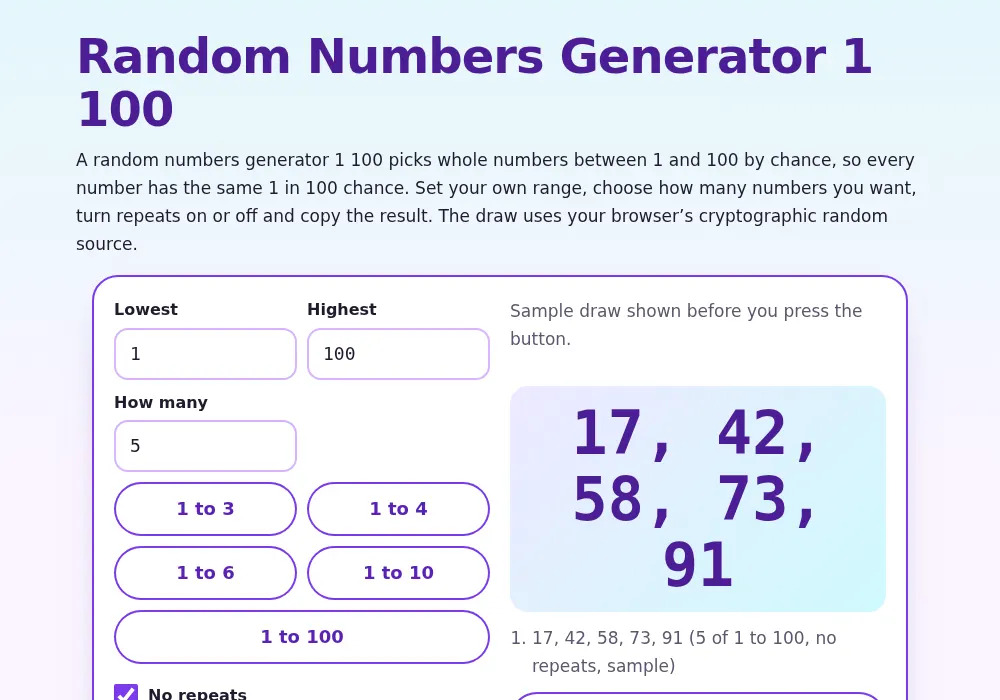
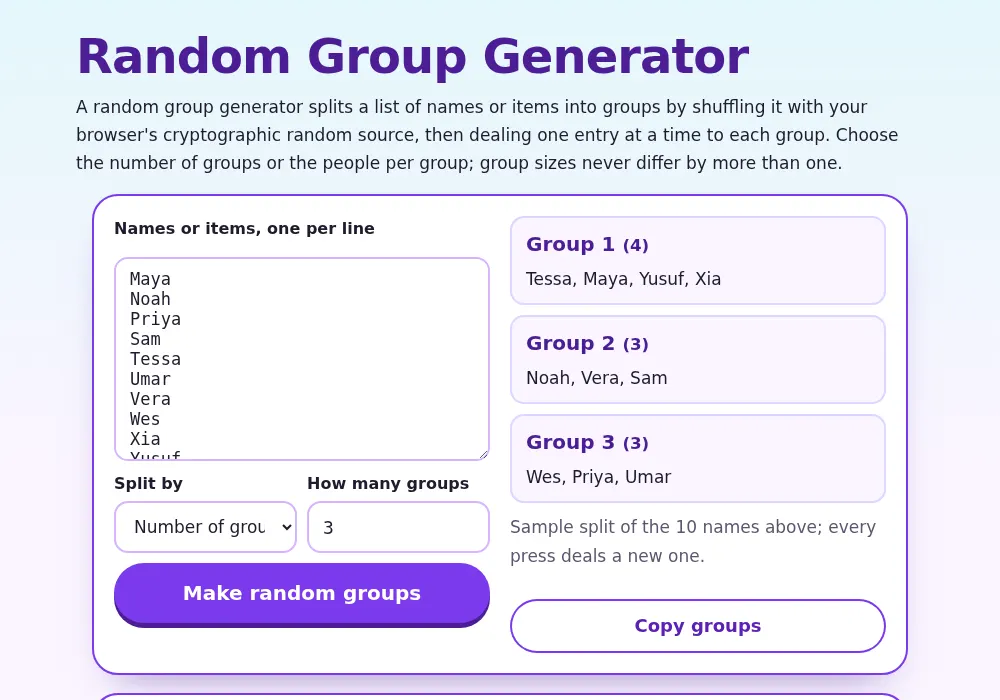
- Open the DiceKite home page and choose a generator, for example the team generator, group generator, numbers generator, character generator or drawing generator.
- Type or paste your list, or set the range and how many results you need.
- Press the button, then copy the result with one tap.
Where the randomness comes from
The generators use the browser’s crypto.getRandomValues. Ranges are drawn with rejection sampling so no number is favoured, and lists are shuffled with the Fisher–Yates method. Lists and results stay in your browser and are not sent to a server.
Why streaks happen
A die has no memory. The chance that the next roll repeats the last one is 1 in 6 (16.7%) every time, and five identical faces in a row, counting the first roll, happen about once in 1,296 sequences. A wheel can stop on the same slice twice; that is not a fault.
What the tools are not for
DiceKite is no casino, lottery or sweepstakes. Where a draw involves money, regulated prizes or choosing people for jobs, housing or court, use a service that records and audits the draw. The generators leave no record you could show to a regulator. See the disclaimer for more.
Report a result that looks wrong
If a result looks wrong, write from the contact page with the tool, the settings and what you saw. Confirmed problems are fixed on the page and the date below shows when it changed.
Updated: 2026-11-05
Did this fly?
Tell us if the generator worked for you or what to tweak.
Thank you! Your note has taken off.